
VoIP Server for a Call Center: 7 Powerful Tips
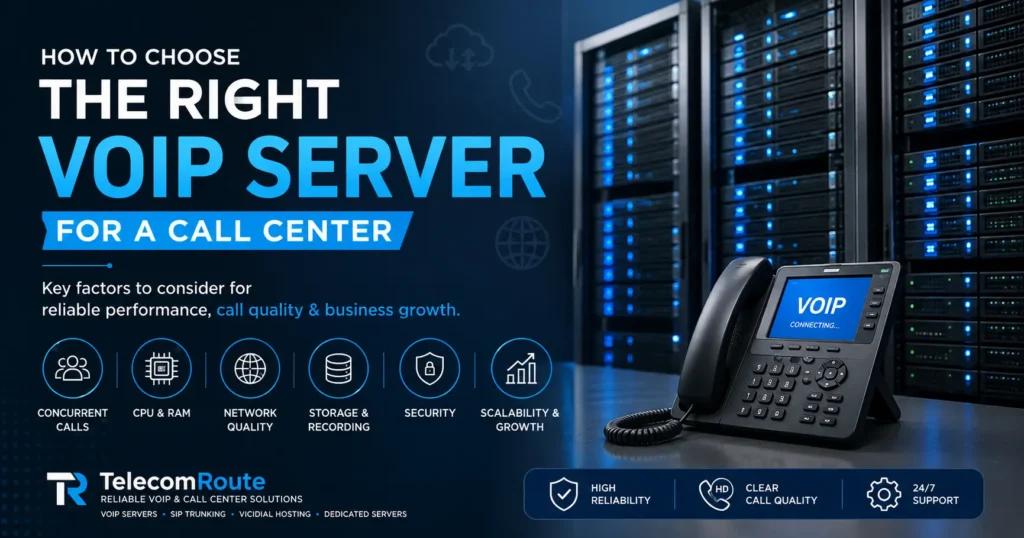
A properly planned VoIP server for a call center can provide a reliable foundation for business growth.
Choosing the right VoIP server for a call center is an important decision. A server that is too small can lead to poor call quality, high CPU usage, call delays and performance problems. A server that is much larger than necessary can increase your infrastructure cost without providing a meaningful benefit.
The right server depends on several factors, including the number of concurrent calls, codecs, call recording, applications running on the server, database workload and network configuration.
In this guide, we explain the key factors you should consider before choosing a VoIP server for your call center.
What Is a VoIP Server?
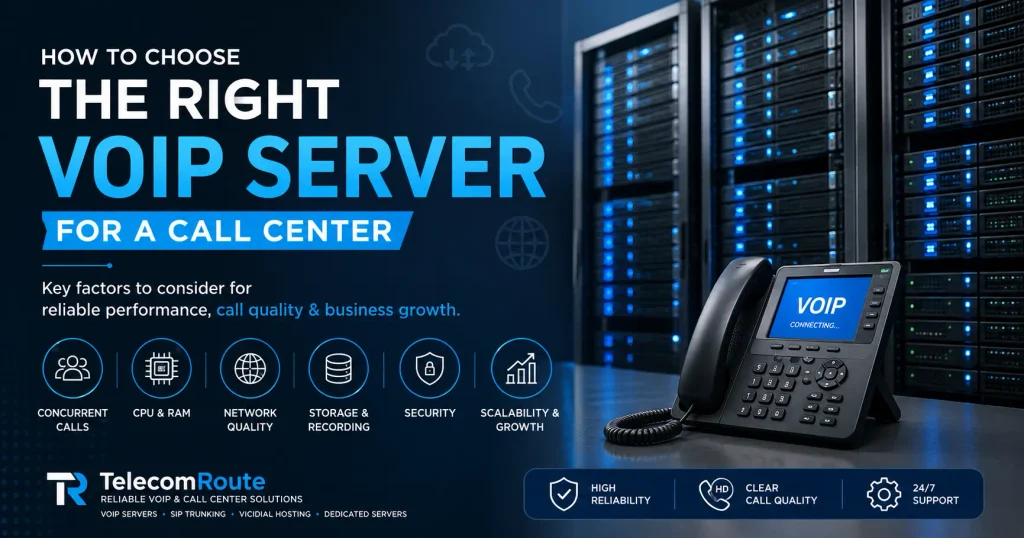
A VoIP server is a system that helps manage voice communication over an IP network.
Depending on the deployment, a VoIP server may handle functions such as:
- SIP registration
- Call routing
- Call signaling
- Media handling
- IVR
- Call recording
- Voicemail
- Call queues
- Extensions
- SIP trunks
- Call-center applications
Platforms such as Asterisk and other IP telephony systems can require different amounts of server resources depending on how they are configured and what services they are handling.
Why Does Server Selection Matter for a Call Center?
A call center depends on reliable communication. If the underlying infrastructure is not properly sized, users may experience:
- Poor voice quality
- Call delays
- Dropped calls
- High CPU utilization
- Slow call setup
- Recording problems
- Application performance issues
- Unstable service during peak hours
Asterisk documentation also points out that performance can be affected by overall system load, SIP traffic, CPU characteristics, configuration and other factors.
Therefore, choosing a VoIP server for a call center should be based on the complete workload rather than simply choosing a server with a large amount of RAM or storage.
1. Start With Concurrent Calls
One of the most important factors is concurrent calls.
For example, a company may have:
- 50 agents
- 100 agents
- 200 agents
But that does not automatically mean the server needs to handle exactly the same number of simultaneous calls.
The important question is:
How many calls will the system handle at peak time?
You should consider:
- Incoming calls
- Outgoing calls
- Agent-to-agent calls
- Transfers
- Conference calls
- IVR calls
- Call recordings
- Automated dialing traffic
Concurrent calls provide a much better starting point for capacity planning than simply counting the number of users.
2. Choose the Right CPU
CPU performance is particularly important when the server has to perform additional processing.
Simple media forwarding between compatible codecs can be relatively inexpensive, while codec transcoding can require considerably more CPU resources. Asterisk’s documentation specifically notes that transcoding can significantly increase CPU requirements.
CPU requirements can therefore depend on:
- Number of concurrent calls
- Codec selection
- Transcoding
- Call recording
- IVR
- Conference calling
- Call-center applications
- Database activity
- Other services running on the server
For production environments, it is better to maintain sufficient CPU headroom instead of operating continuously near maximum utilization.
3. Consider RAM Requirements
RAM is another important part of VoIP server planning.
The required memory depends on the complete software stack rather than just the number of SIP calls.
Your server may need memory for:
- Operating system
- VoIP software
- Web interface
- Database
- Call-center applications
- SIP registrations
- Call processing
- Monitoring
- Logs
- Other services
For a small deployment, a modest server may be sufficient. Larger deployments or systems combining telephony, databases, recordings and call-center applications may require substantially more memory.
The correct approach is to size RAM according to the actual workload and leave enough headroom for peak activity.
4. Check Network Quality
A fast internet connection is not the only requirement for good VoIP.
You should also consider:
- Latency
- Jitter
- Packet loss
- Network stability
- Routing
- Firewall configuration
- SIP traffic
- Internet redundancy
A connection with high bandwidth can still provide poor voice quality if latency, jitter or packet loss are significant.
For business-critical call centers, network reliability should therefore be treated as part of the VoIP infrastructure rather than an afterthought.
5. Think About Call Recording and Storage
If your call center records calls, storage requirements can grow quickly.
You should estimate:
- Number of calls
- Average call duration
- Recording format
- Number of working days
- Retention period
- Backup requirements
Do not calculate storage only for today’s recordings.
If recordings need to be retained for several months or years, storage planning becomes an important part of the overall infrastructure design.
It may also make sense to separate recording storage from the main application workload in larger deployments.
6. Dedicated Server vs VPS for VoIP
Both VPS and dedicated servers can be used for VoIP deployments, but the appropriate choice depends on workload and requirements.
VPS
A VPS may be suitable for:
- Small deployments
- Testing
- Development
- Low call volumes
- Smaller business environments
However, you should understand the resources guaranteed by the provider and what other workloads may compete for resources.
Dedicated Server
A dedicated server can be preferable when you need:
- Higher and more predictable performance
- Larger call volumes
- More CPU resources
- More RAM
- Greater control
- Heavy call recording
- Multiple applications
- Production call-center workloads
The correct choice should be based on your actual requirements rather than simply choosing the most expensive option.
7. Consider Database Workload
Many VoIP and call-center systems depend on databases for configuration, call information, reports and other application data.
If the database and telephony workload are competing heavily for the same resources, performance can suffer.
Asterisk’s documentation recommends considering what else is sharing CPU resources, including databases and other applications. For larger environments, separating workloads can provide better resource control.
For example, a larger call-center deployment may eventually use separate infrastructure for:
- Telephony
- Database
- Recording storage
- Monitoring
- Other applications
This is not necessary for every small deployment, but it becomes increasingly useful as the system grows.
8. Server Security Is Essential
A VoIP server is exposed to communication networks and therefore needs proper security.
Important security considerations include:
- Strong administrator passwords
- Secure SIP configuration
- Firewall rules
- Restricted management access
- Regular operating-system updates
- VoIP software updates
- Monitoring
- Backup
- Protection against unauthorized SIP registration
- Secure remote administration
Security should be considered during the initial deployment rather than added after the server is already in production.
9. Plan for Future Growth
Do not size a server only for today’s traffic.
Suppose your call center currently handles 30 concurrent calls but expects to grow significantly over the next year.
You should consider:
- Expected agent growth
- Expected concurrent calls
- Additional SIP trunks
- More recordings
- Additional applications
- Reporting requirements
- Redundancy
- Backup requirements
A little additional capacity can make future growth much easier.
Example: How to Think About Server Sizing
There is no single VoIP server for a call center that is correct for every business.
As a general planning framework:
| Deployment | Typical Considerations |
|---|---|
| Small VoIP deployment | Low concurrent calls, basic SIP and call routing |
| Small call center | More concurrent calls, recording and basic call-center features |
| Medium call center | Higher concurrency, recording, database and reporting |
| Large call center | High concurrency, multiple applications, redundancy and dedicated infrastructure |
These are planning categories, not universal hardware requirements. Actual capacity should be tested against the specific software, codecs, recording configuration and workload.
Common Mistakes When Choosing a VoIP Server
Mistake 1: Looking Only at RAM
More RAM does not automatically mean more VoIP capacity.
CPU, network, configuration and workload are also important.
Mistake 2: Counting Users Instead of Concurrent Calls
A company with 100 registered agents may not have 100 simultaneous calls.
Peak concurrent calls are much more useful for capacity planning.
Mistake 3: Ignoring Transcoding
Codec transcoding can significantly increase CPU requirements.
Mistake 4: Ignoring Recordings
Call recordings can consume substantial storage over time.
Mistake 5: Choosing a Server Without Testing
A theoretical specification is not a substitute for monitoring and load testing.
Mistake 6: Running Too Many Services on One Server
Combining telephony, databases, recording processing and unrelated applications can create resource contention.
What Should You Tell Your VoIP Server Provider?
Before ordering a VoIP server for a call center, prepare the following information:
- Number of agents
- Expected concurrent calls
- Incoming/outgoing call ratio
- SIP trunk requirements
- Codec requirements
- Whether calls are recorded
- Average call duration
- Recording retention period
- IVR requirements
- Call-center software
- Expected future growth
- Required uptime and redundancy
With this information, a provider can recommend a more suitable VoIP server for a call center based on the actual workload.
Why Work With TelecomRoute?
Choosing a VoIP server should not be based only on CPU, RAM or disk space.
TelecomRoute can help businesses evaluate their VoIP infrastructure based on their actual calling requirements, expected traffic and application workload.
Whether you are setting up a small VoIP environment or a growing call center, proper planning can help you avoid unnecessary infrastructure costs while maintaining reliable performance.
Need help choosing a VoIP server for your call center? Contact TelecomRoute to discuss your requirements.
Frequently Asked Questions
What is the best VoIP server for a call center?
There is no single best server for every call center. The appropriate configuration depends on concurrent calls, codecs, recording, applications, database workload and network requirements.
How many concurrent calls can a VoIP server handle?
The capacity varies depending on the software, hardware, codecs, transcoding, recording and overall configuration. Concurrent-call capacity should be tested for the specific deployment.
Does VoIP require a dedicated server?
Not always. Smaller deployments may work well on a properly sized VPS, while larger or performance-sensitive call centers may benefit from dedicated infrastructure.
How much RAM does a VoIP server need?
RAM requirements depend on the complete workload. The operating system, VoIP platform, database, recordings and other applications all contribute to memory usage.
Does CPU affect VoIP call quality?
CPU can affect performance, particularly when the system is overloaded or performing CPU-intensive tasks such as transcoding. High CPU utilization can contribute to call-quality and call-setup problems.
Is bandwidth the most important factor for VoIP?
No. Bandwidth is important, but latency, jitter, packet loss, routing and network stability also affect VoIP performance.
Conclusion
Choosing the right VoIP server for a call center requires more than selecting a server with the highest CPU, RAM or storage.
Start by understanding your peak concurrent calls. Then consider codecs, transcoding, call recording, database requirements, network quality, security and future growth.
A properly planned VoIP infrastructure can provide better reliability, predictable performance and a stronger foundation for a growing call center.
If you are planning a new VoIP or call-center deployment, TelecomRoute can help you evaluate the infrastructure requirements and choose an appropriate server configuration for your workload.